Setup Guides
Client installation
Follow the instructions below to configure your device to connect to FreeWave VPN securely using the AmneziaVPN app or WireGuard.
1. Open Telegram Bot
Open Telegram and start a chat with @FreeWaveVPN_bot. Send the /trial command.
2. Receive Your Token
The bot will reply with your personal 24-hour access token. Copy the full token text.
3. Log In
Click the login link sent by the bot, or visit the Login page and paste your token manually.
4. Download & Connect
Go to the Download page to get your config file and QR code, then follow the guide for your platform below.
Limit: 1 trial per Telegram account / month.
| Platform | Recommended App | Alternative |
|---|---|---|
| iOS | AmneziaVPN (App Store) | Hiddify / WireGuard |
| Android | AmneziaVPN (Play Store / APK) | Hiddify / WireGuard |
| macOS | AmneziaVPN (amnezia.org) | Hiddify / WireGuard |
| Windows | AmneziaVPN (amnezia.org) | Hiddify |
| Linux | wg-quick or amneziawg-tools | Hiddify AppImage |
⚠AmneziaVPN is required for AmneziaWG 2.0 protocol. Standard WireGuard apps work in open regions only.
?? iPhone / iPad & Android
1. Open AmneziaVPN > tap ? Settings 2. Select Split Tunneling 3. Choose a mode: � Exclude selected apps � those apps bypass VPN � Include only selected apps � only those apps use VPN 4. Add apps to exclude (e.g. Sberbank, Gosuslugi, Tinkoff) 5. Reconnect to apply
?? Windows & macOS
1. Open AmneziaVPN > click ? Settings 2. Select Split Tunneling 3. Add apps to exclude from VPN 4. Reconnect to apply
ℹSplit tunneling works at the app level, not the website level. To bypass VPN for specific domains (e.g. .ru sites), use a browser extension like FoxyProxy and configure those domains to connect directly.
Go to your Dashboard and find the 'Active Devices' section.
Click 'Add Device' to generate a new WireGuard/AmneziaWG config.
Give your device a name (e.g., 'MacBook Pro') to keep track of your connections.
If you reach the limit, delete an old device to free up a slot.
1. Download App
Go to the App Store and search for "AmneziaVPN", or click the link below.
Download from App Store >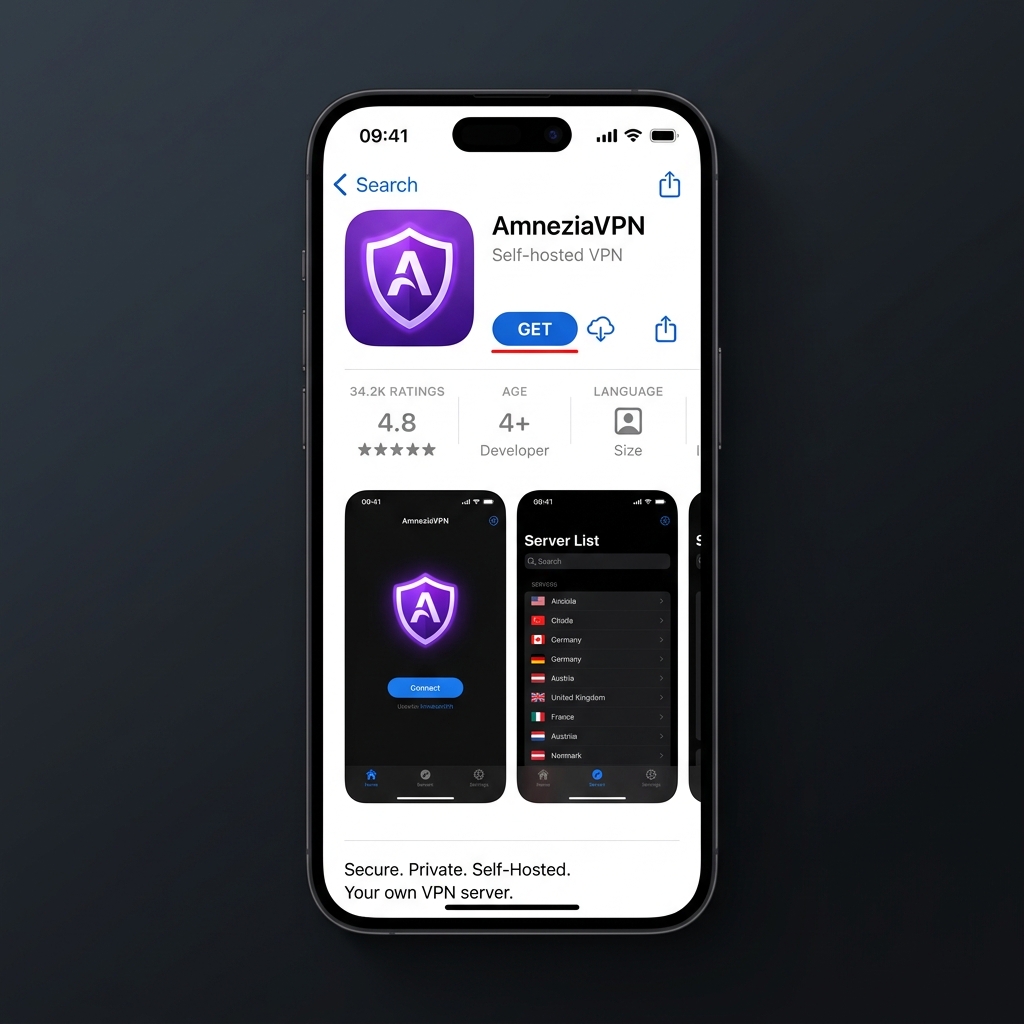
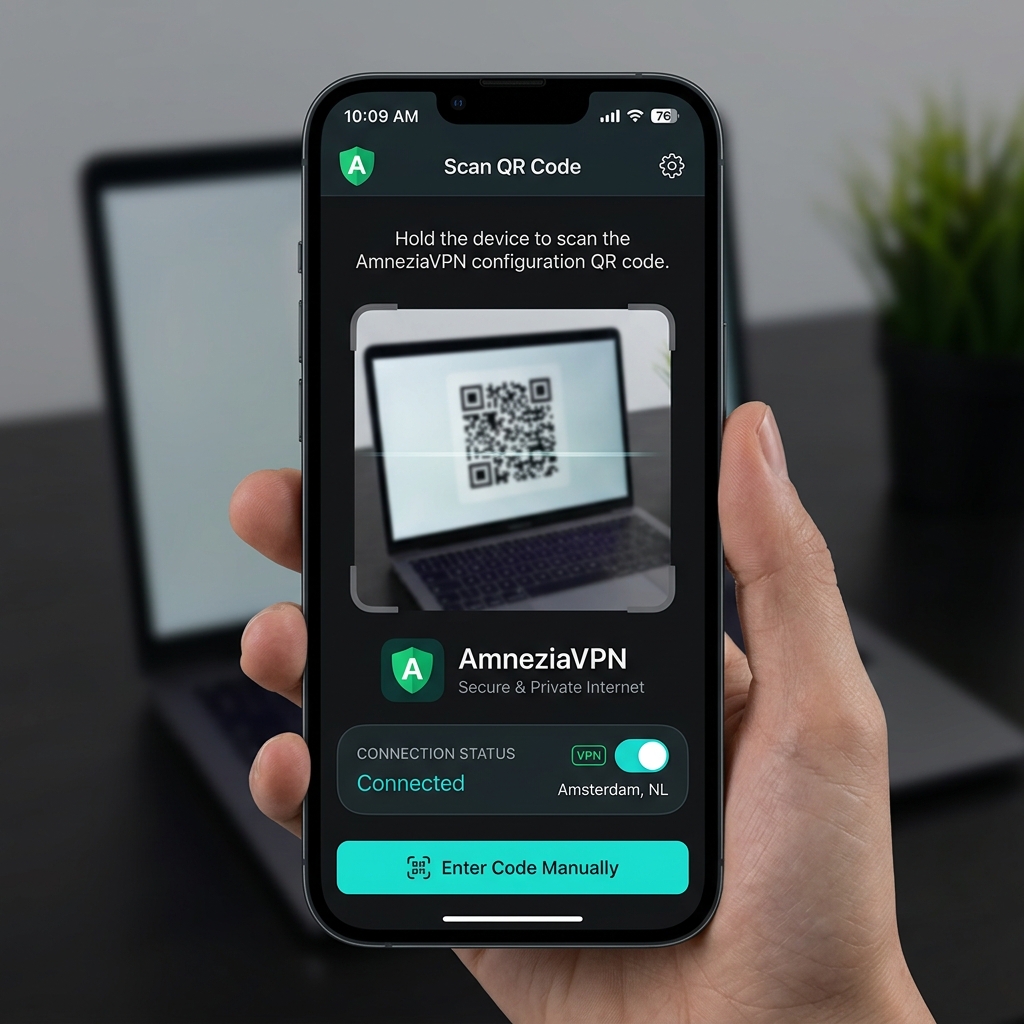
2. Import Configuration
Open this portal on your device, view your Configuration file, and tap the "Open in Amnezia" deep link or scan the QR Code using the in-app scanner.
3. Connect
Tap the connect slider in AmneziaVPN. Approve the iOS permission dialog to add VPN configurations if prompted.
Alternative: Hiddify App (VLESS / Shadowsocks)
A. 1. Download App
Download the Hiddify app for your platform.
B. 2. Import Configuration
Copy your vless:// or ss:// URI from the Downloads page, or prepare to scan the QR code.
C. 3. Connect
Open Hiddify, tap the '+' button, select 'Add from clipboard' or 'Scan QR code', and then tap Connect.